

Overview
Add a complete 2D drawing workspace to your Windows application. AVAX Vector .NET is a Windows Forms component for developers who need to display, create, edit, print and manage vector drawings. Use it from VB.NET or C# in a .NET Framework 4.8 project targeting x86 or x64.
Build CAD tools, technical drawing editors, diagramming applications or drawing-based business interfaces. The control brings together geometric drawing, text, filled shapes, blocks, layers, precise selection and snapping, measurements, file exchange and printing. More than 500 API members, drawing commands and parameters, with documentation and 295 source examples, let you control the end user's interactive drafting process.
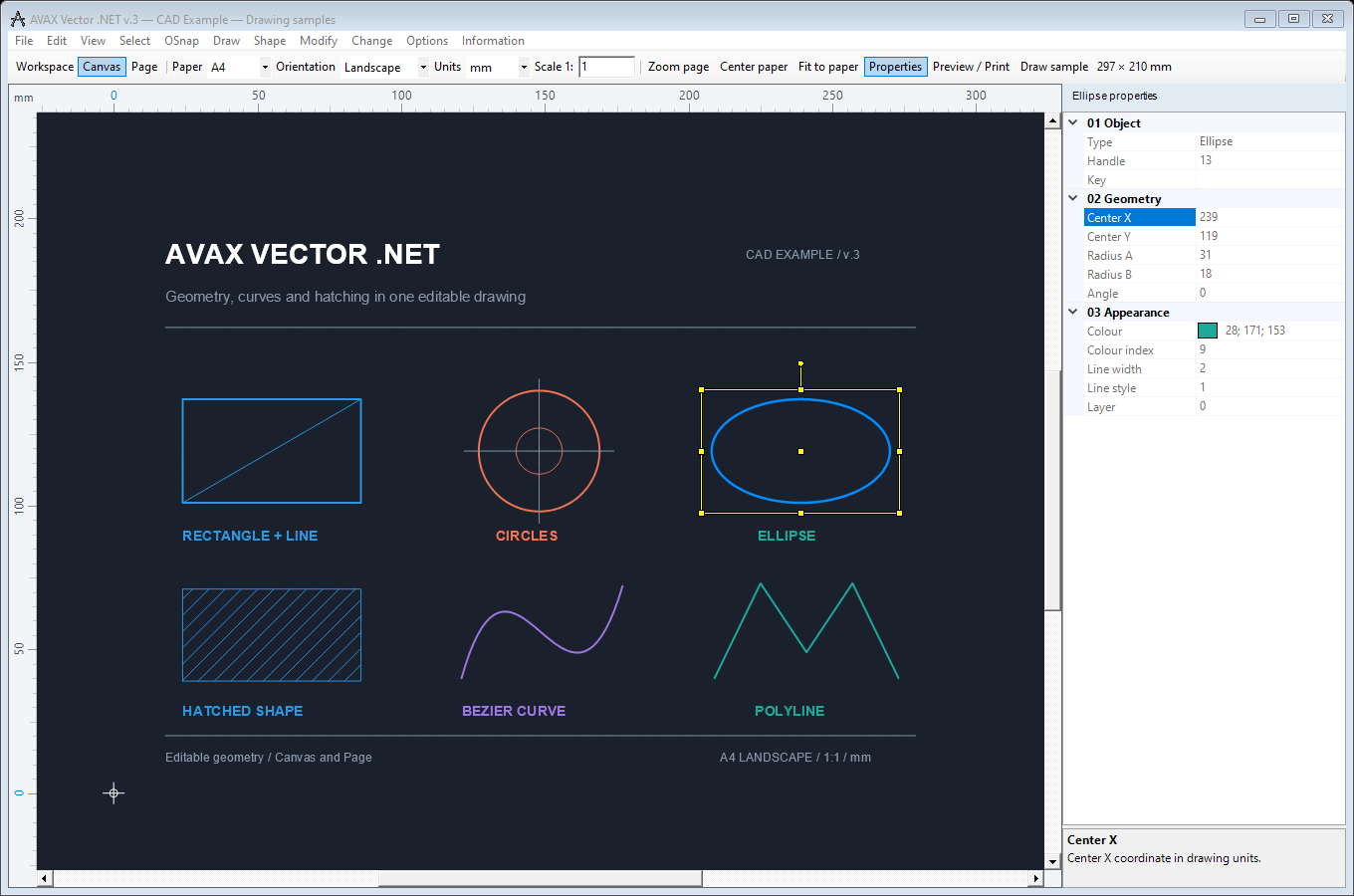
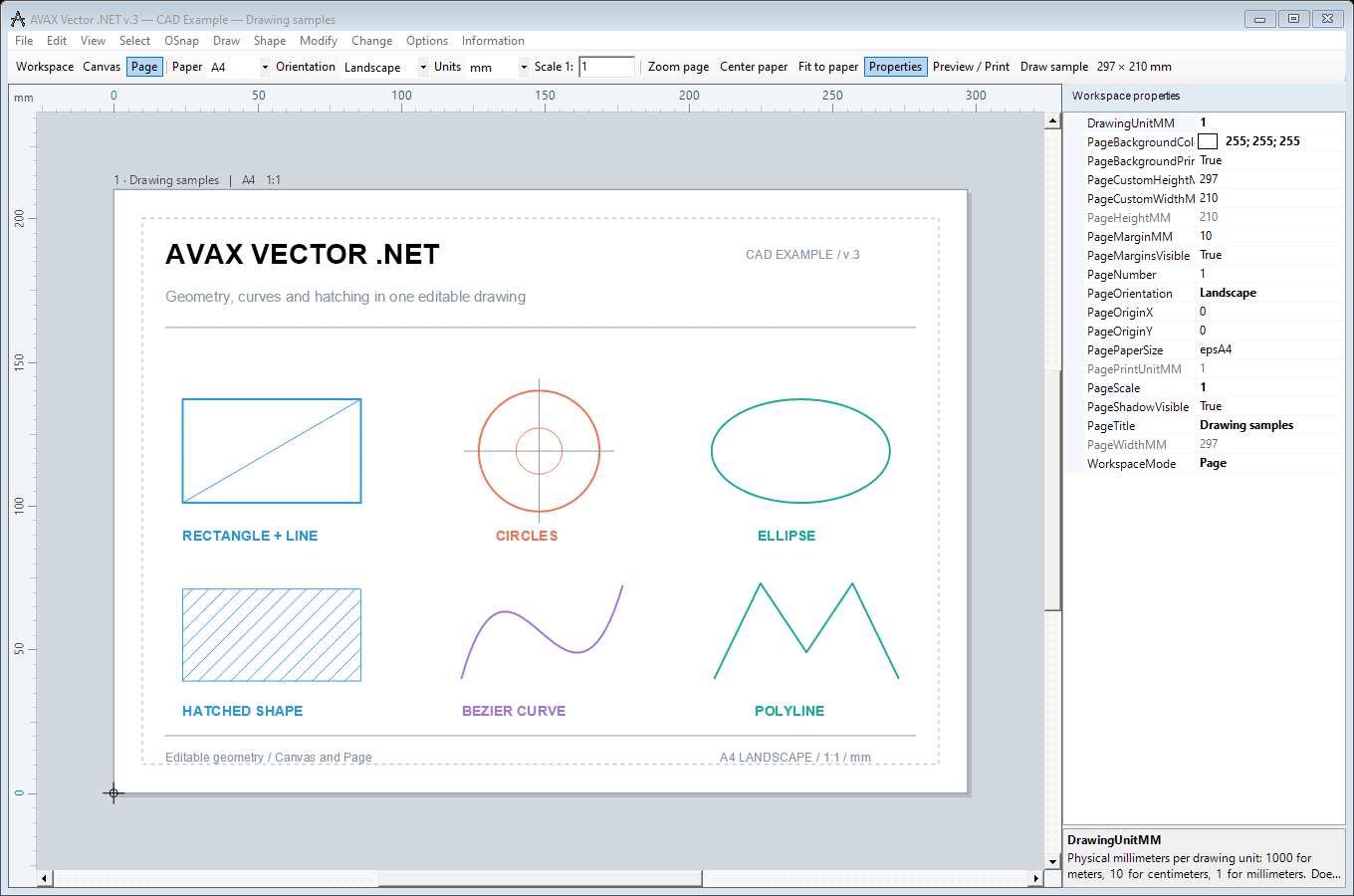
Switch between an open drawing canvas and a paper view with margins, orientation, drawing units and print scale.
Linear, aligned, angular, radius and diameter dimensions, plus associative PAT, solid and gradient hatches with islands and transparency.
Commands, properties and events, object identity and application data, selection regions and embedded AVAX controls.
Features
Drawing tools, application control and output
More
Moving from version 2. Rebuild against the v.3 assembly for the chosen architecture. Drawing coordinates use Double, while many resource indices use Integer. v.3 requires a source migration; check the developer manual for exact signatures and remaining compatibility limits.
Licensing. Activate each development computer with RegAVAX.exe or the control's Developer activation... command, and call Avax.cAvax.Unlock("YOUR-SERIAL-NUMBER") before InitializeComponent() in your distributed application. Customer computers do not need developer activation. See the runtime licensing guide.
Native .avax files preserve the v.3 drawing data, editable dimensions, hatch associations and workspace settings; older .avx drawings remain readable. Legacy AVX output converts new dimensions and hatches to legacy graphics. DXF/DWG exchange does not create paper layouts from the Canvas / Page settings. The SDK license is separate from AVAX-CAD R3.
Images
Quick Start
Create a .NET Framework 4.8 Windows Forms project, reference the matching x86 or x64 v.3 assembly, and place an Avax.cAvax control named cAvax1 on the form. This example runs in evaluation mode:
Private Sub Form1_Load(sender As Object, e As EventArgs) Handles MyBase.Load
    If Not cAvax1.StartAvax() Then Return
    cAvax1.Add_Line(0, 0, 0, 10, 10, 0)
    cAvax1.WorkspaceMode = Avax.AvaxWorkspaceMode.Canvas

    ' Show the paper using the same drawing coordinates.
    cAvax1.DrawingUnitMM = 1000  ' One unit = one metre.
    cAvax1.PageScale = 100      ' Print scale 1:100.
    cAvax1.WorkspaceMode = Avax.AvaxWorkspaceMode.Page
End Sub

Private Sub Form1_FormClosed(sender As Object,
        e As FormClosedEventArgs) Handles MyBase.FormClosed
    cAvax1.EndAvax()
End Sub