Overview
Powered by musical algorithms — not generative AI. Melobytes Studio composes music using algorithms that apply musical rules to melody, rhythm and harmony. Your lyrics, images and settings guide the composition. Singing uses synthetic voices.
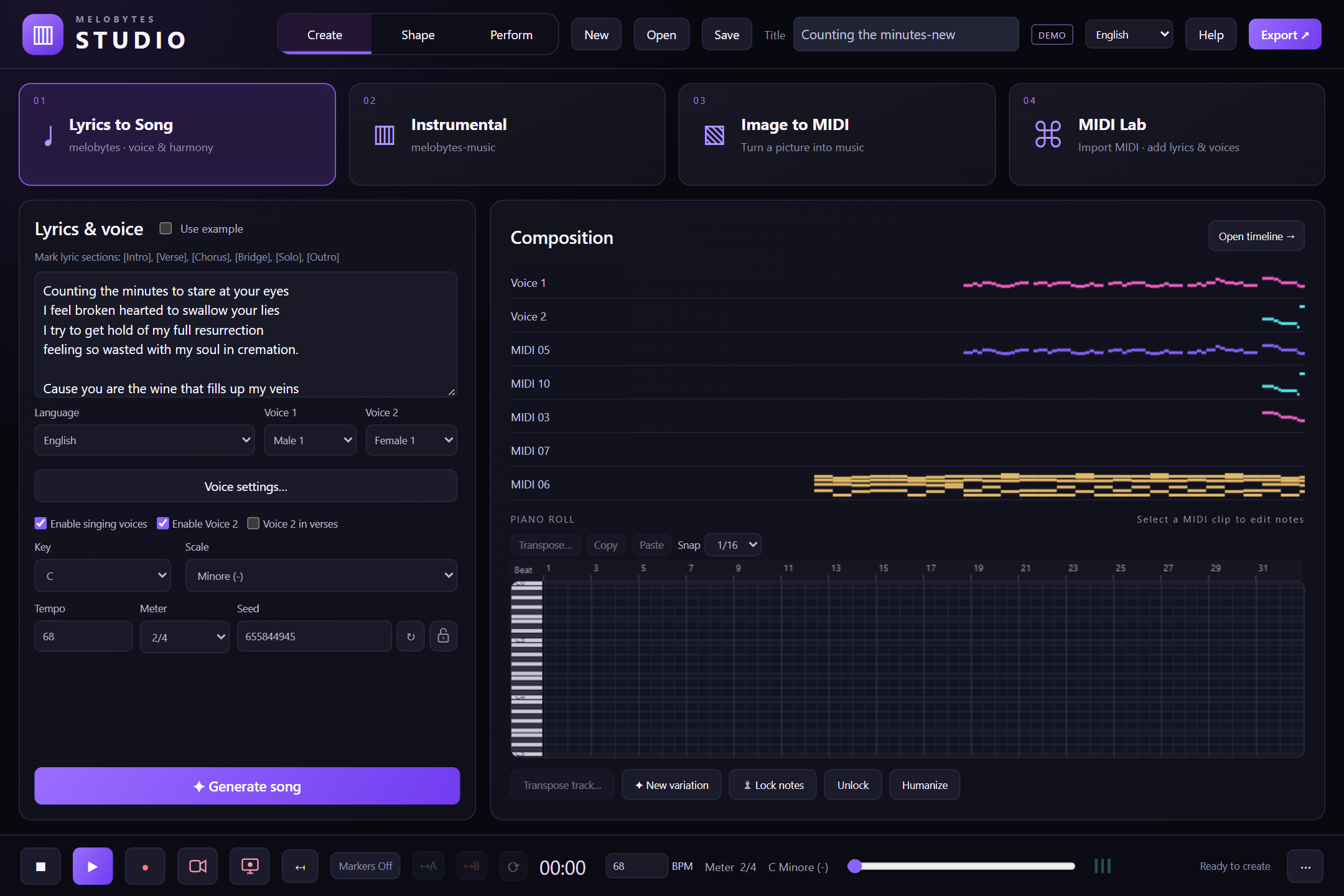
Go from an idea to a composition you can make your own. Melobytes Studio is a Windows application for algorithmic music creation, with built-in Digital Audio Workstation (DAW) tools for editing music and songs, and features for creating music videos. Start with your own lyrics, generate an instrumental piece, turn an image into MIDI, or develop an existing MIDI file.
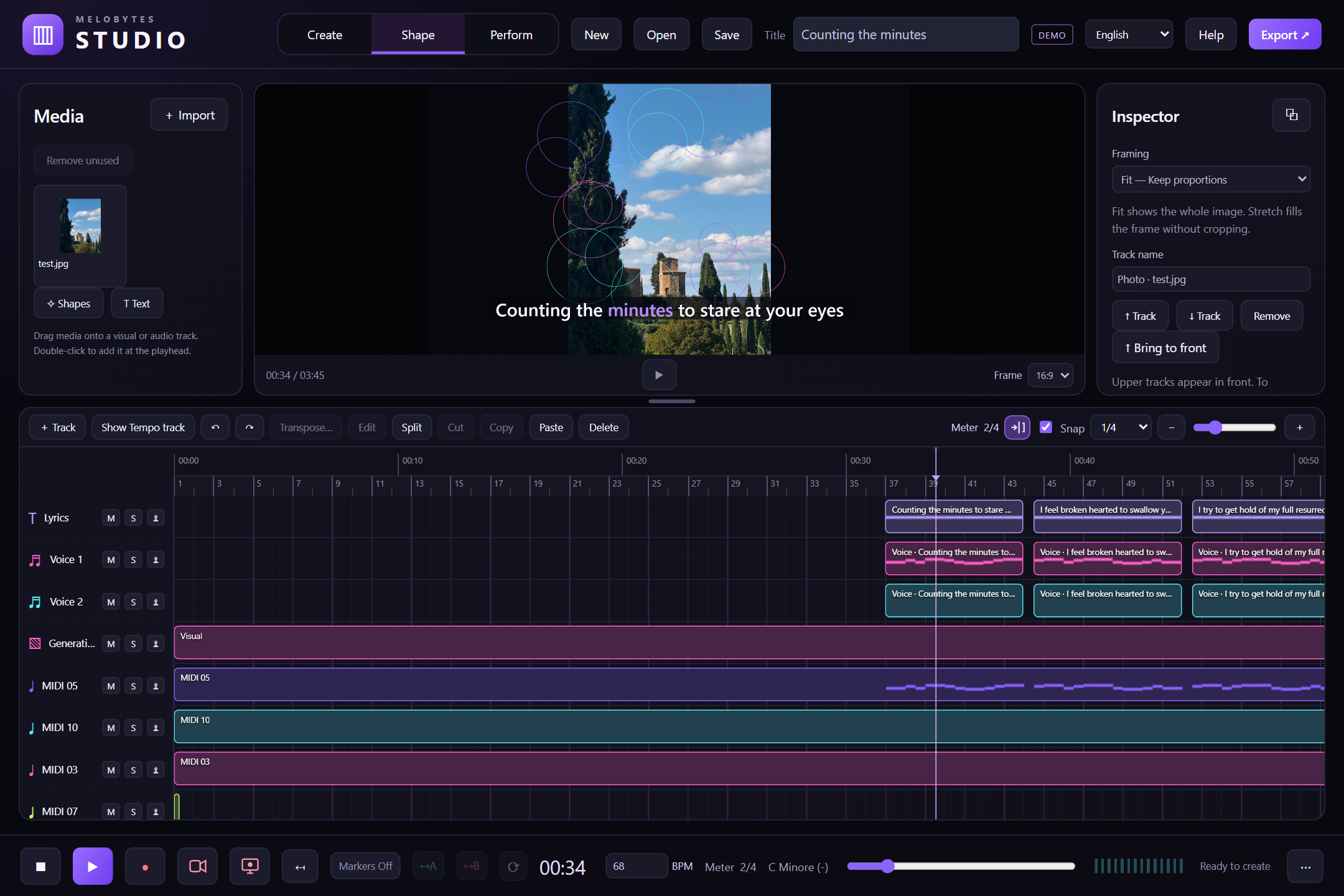
Automatic composition is just the beginning. Change notes, instruments, tempo and arrangement, refine the pronunciation and expression of synthetic singers, and combine your music with images and video. Start with a generated idea, listen, then shape it until it sounds like you.
Video tutorial
An eight-minute guided tutorial in English: create a song, edit the music and voices, make a music video, and save or export your work.
Open video in a new tab · Tutorial chapters and help
Turn lyrics into songs, compose instrumentals or discover a melody in an image.
Edit notes, instruments and arrangements. Refine the words, voices and expression.
Export audio and MIDI, or combine your music with visuals to create a video.
Features
One workspace for composition, editing, synthetic singing and video:
More
Your creative choices stay at the centre. The algorithms provide a starting point; you decide what to keep, change and develop. Choose the musical settings, edit individual notes and refine the arrangement instead of accepting a finished result as it is.
Music and graphics processing take place locally on your computer. Synthetic singing has its own character, and the pronunciation and voice controls let you experiment with the result.
Does Melobytes Studio use AI to compose music?
No. Music composition is algorithmic, not based on generative AI. The program applies musical rules and combines melody, rhythm and harmony according to your source material and settings.
Can I use the melodies I create with Melobytes Studio?
Yes. You are allowed to use as many melodies as you generate with Melobytes Studio in your own projects. The melodies are created through musical algorithms and randomized choices, guided by your settings, without generative AI.
Are the singing voices recordings of real singers?
No. Singing is produced with synthetic voices. You can adjust pronunciation, syllable placement and expressive effects to shape the performance.
Can I change the generated music?
Yes. Edit notes, instruments, tempo, tracks and arrangement. You can also import an existing MIDI file and work on it directly.
What can I do in demo mode?
Create, play and edit projects in demo mode. An activated license is required to save or export your work. Demo playback includes a spoken "Melobytes Studio Demo" notice every 45 seconds, and the video preview displays a DEMO watermark.
Images