Overview
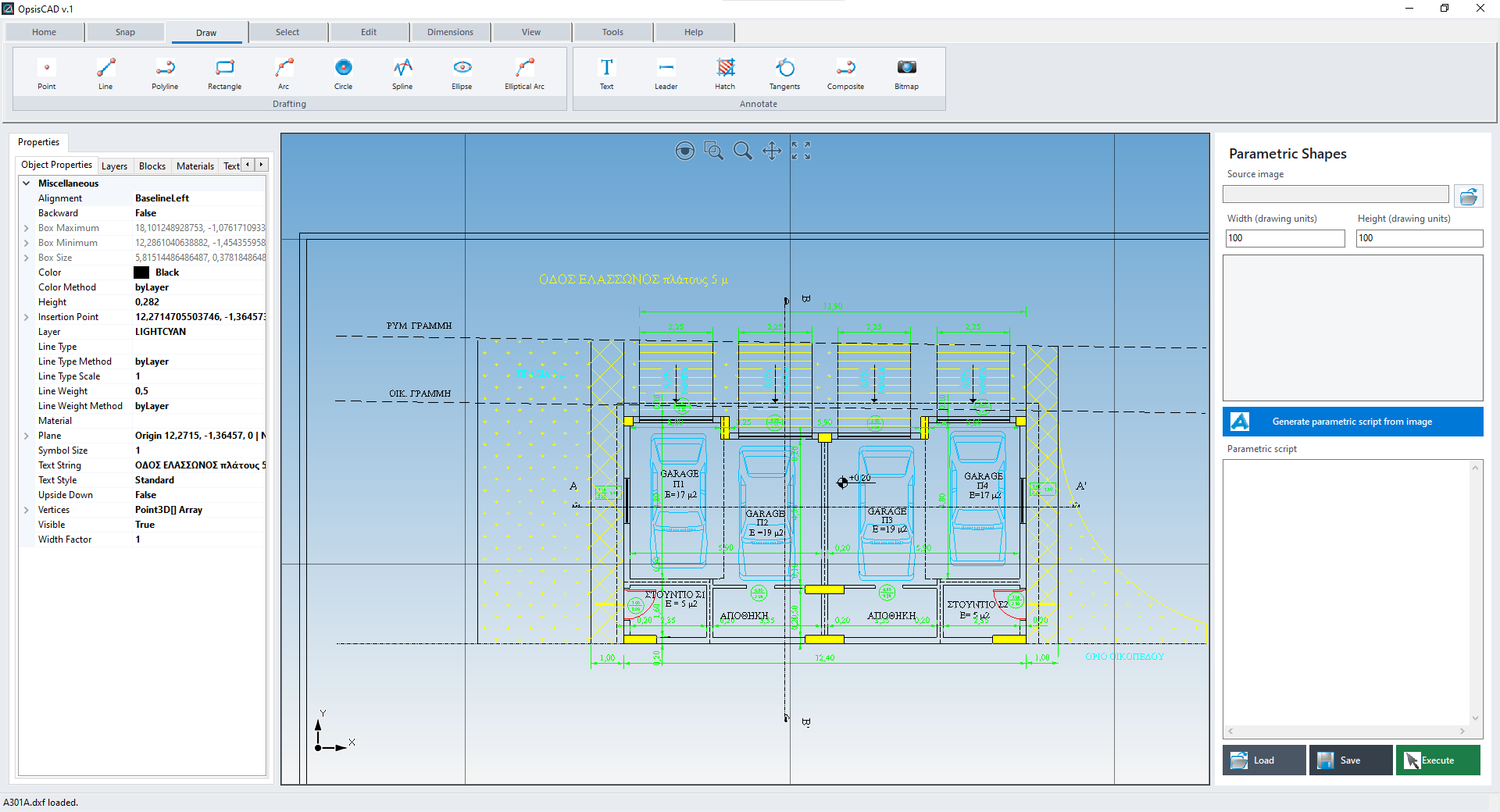
OpsisCAD combines powerful 2D CAD tools with a streamlined, uncluttered workspace that keeps everyday drafting easy to learn and use. Create, open and edit DXF drawings with precise drawing, dimensioning and layer tools. Optional AI features can generate editable geometry. DWG import is available when needed.
Create, open, edit and print DXF drawings. You can also import DWG files into the drawing you are working on.
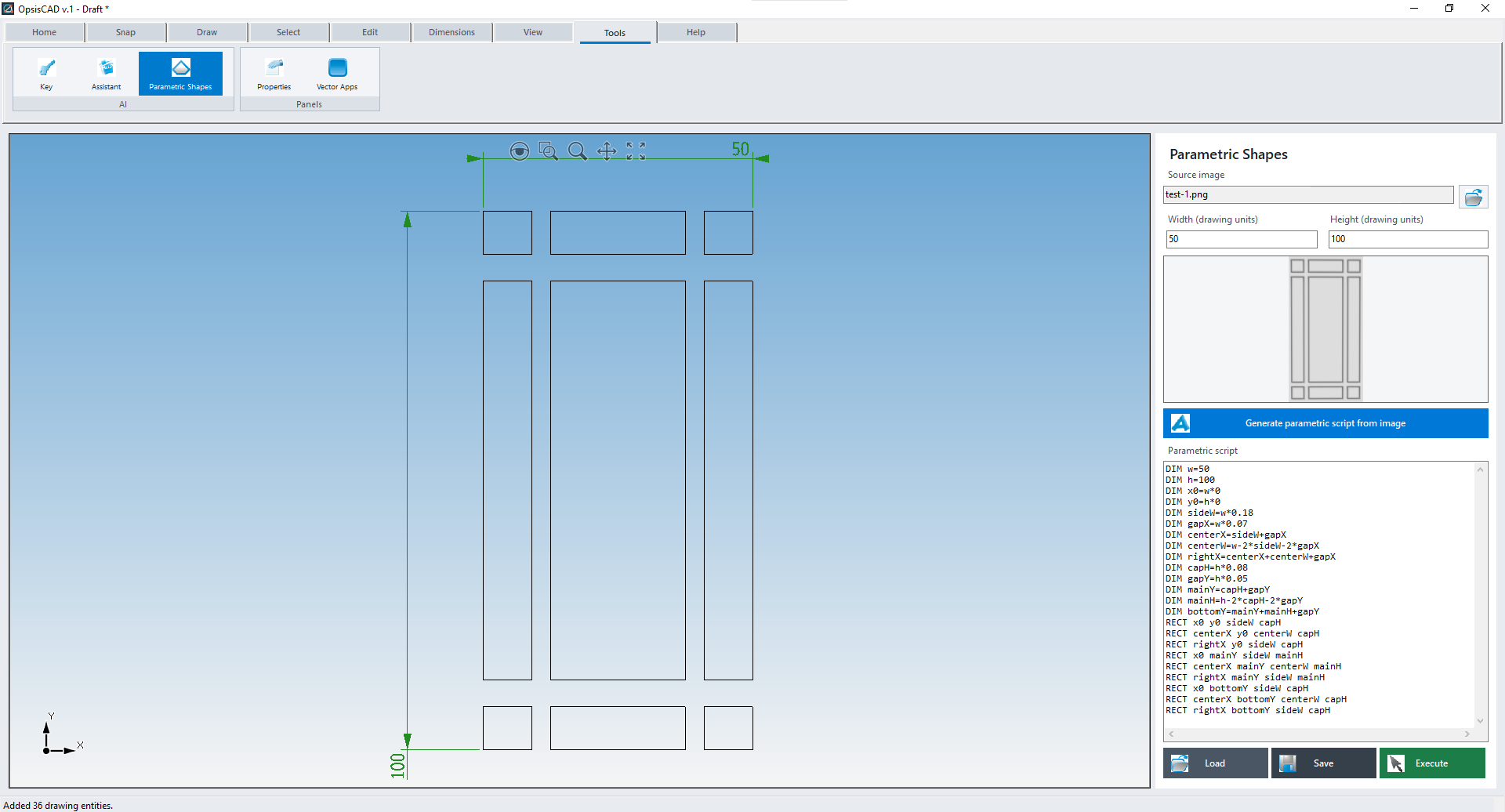
Generate draft geometry from a written description or a reference image and dimensions. Review the editable CAD script before inserting the result into your drawing.
Choose a ready-made shape, enter dimensions and options in a form, and place the resulting vector geometry in your drawing—no AI required.
Features
A focused toolset for everyday 2D drafting:
More
OpsisCAD runs as a Windows desktop application. Its standard CAD tools and built-in Vector Apps do not use OpenAI. Optional AI tools require internet access, your own OpenAI API key, a selected model and available API credit; OpenAI bills API usage separately.
Images