Overview
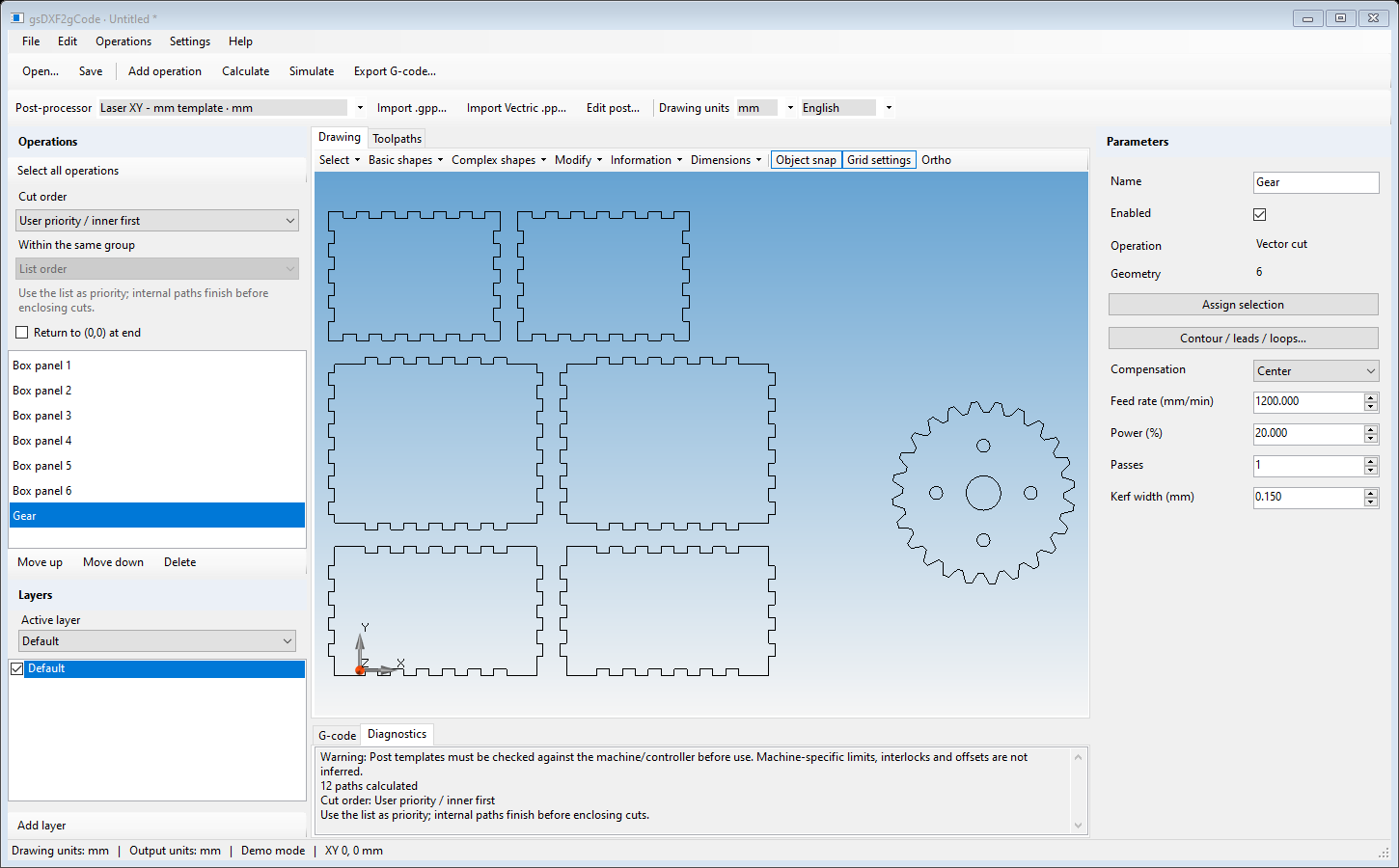
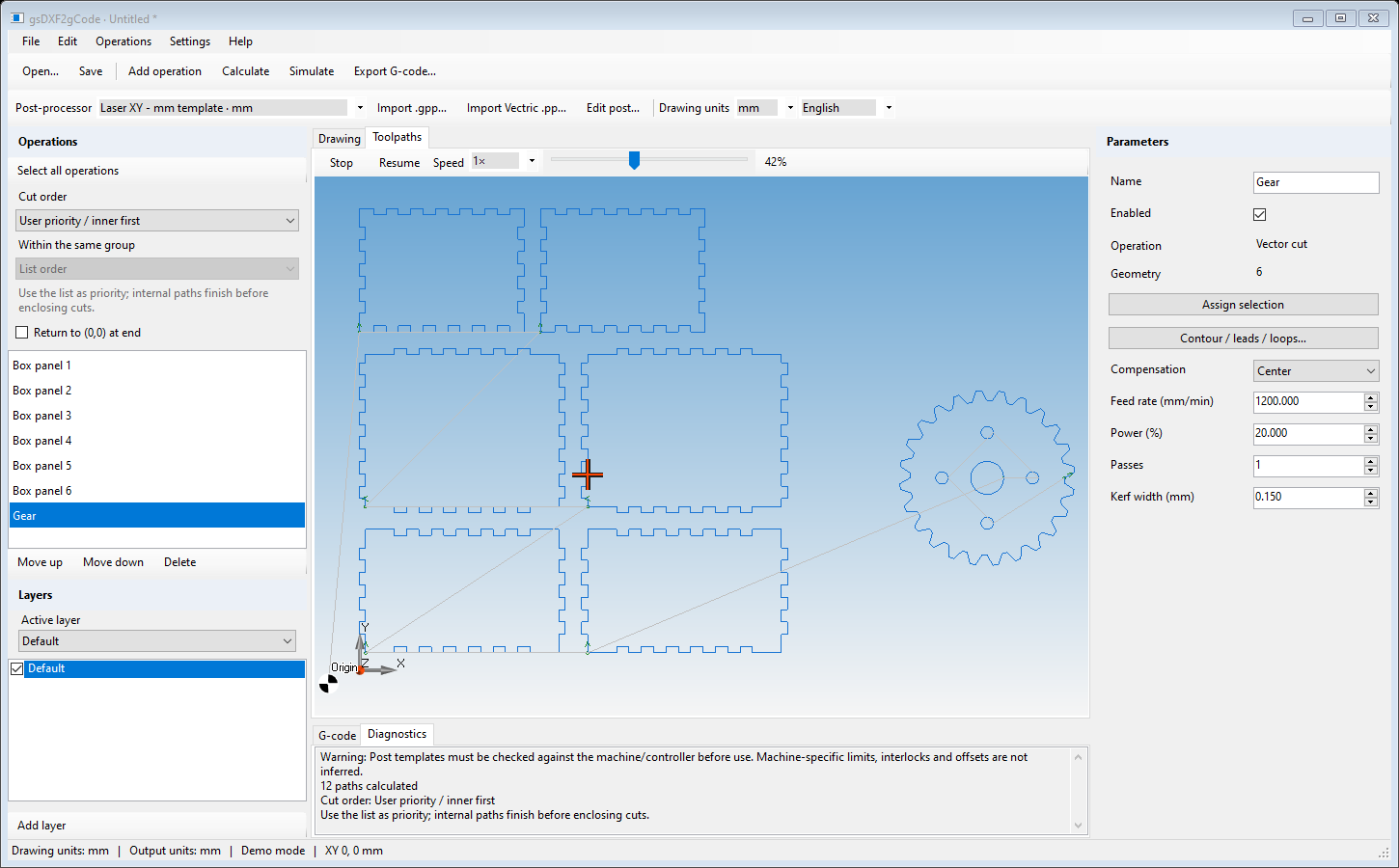
gsDXF2gCode combines 2D CAD, ready-made shapes, nesting and machining preparation in one application. Import DXF or DWG drawings, create custom parts, arrange them on a sheet and preview cutting, engraving, punching or 2.5D milling before exporting G-code for laser, plasma, waterjet and CNC router machines.
Features
Take each job from drawing to production with these integrated tools:
2D CAD: lines, polylines, rectangles, circles, arcs, ellipses, splines and text. Layers, dimensions and drawing measurements.
Edit: move, copy, rotate, scale, mirror, offset, trim, extend, fillet and chamfer drawing objects.
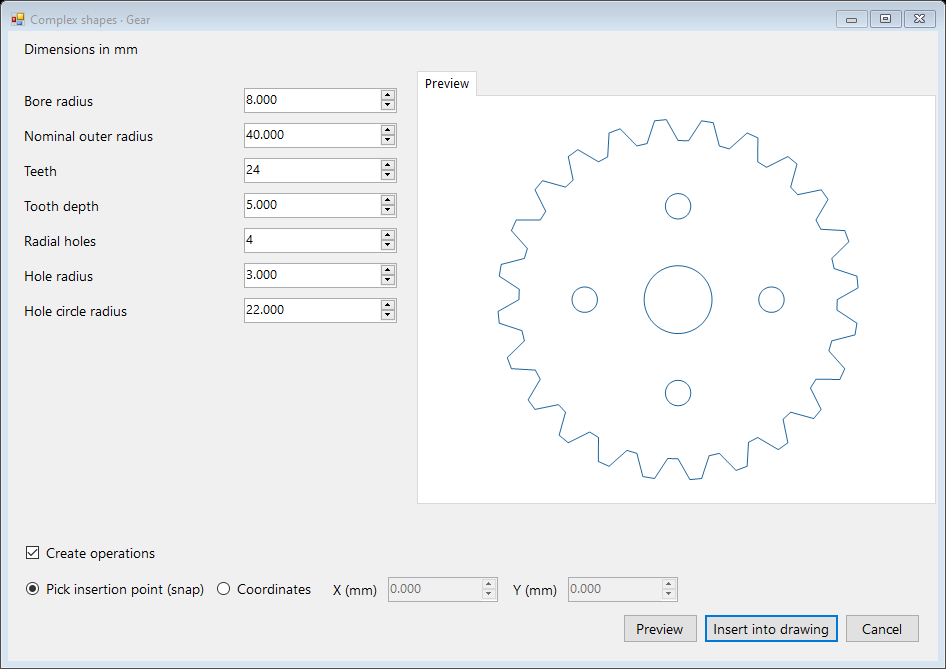
Create: parametric shapes, finger joint boxes, gears, regular polygons, triangles, linear text and circular text.
Machining: vector cutting, vector engraving, hatch engraving, punching, profile milling and pocket milling. Cutting compensation and multiple passes.
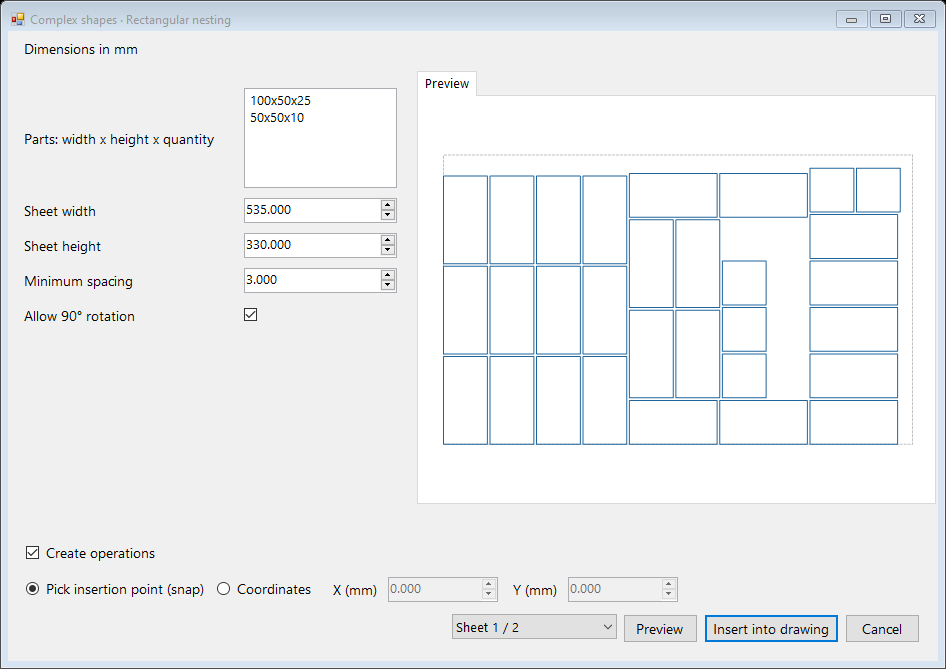
Nesting: rectangular nesting and DXF nesting to arrange parts on a sheet and make better use of the available material.
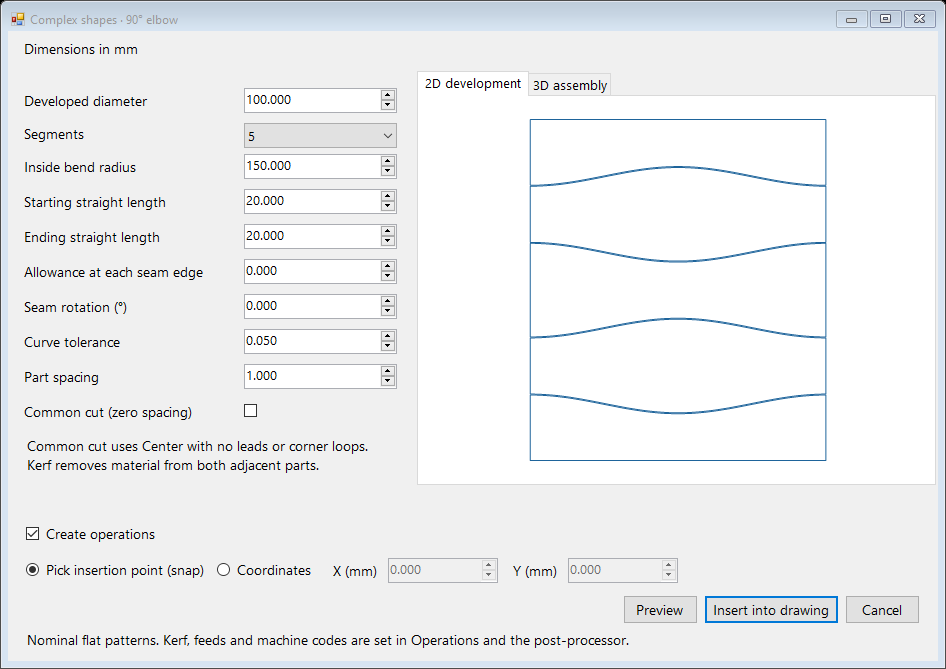
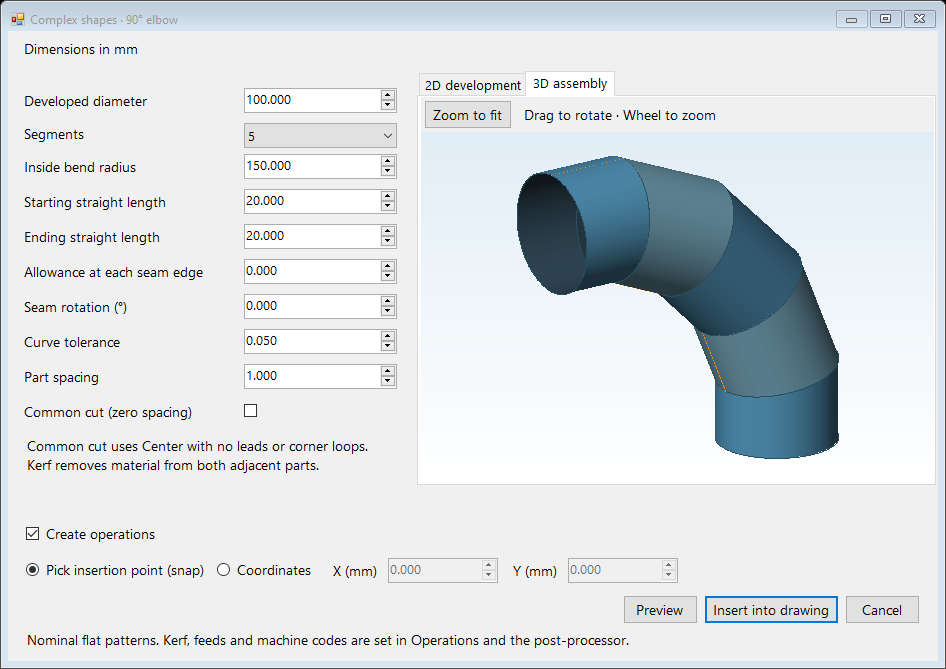
Pipes: flat developments for cylinders, segmented elbows, S bends, U bends and pipe intersections. 3D preview of the assembled shape. Common cut for supported bend layouts.
Cutting order: automatic inner-first cutting, grouping by part and custom operation order.
View: view DXF / DWG drawings and simulate the machining sequence before cutting.
Import / Export: import DXF and DWG files. Export G-code for the selected machine workflow or DXF drawings for use in other CAD applications.
Projects: save drawings and machining settings together, ready for changes and repeat jobs.
More
Custom post-processor adaptation and training are separate paid services and are not included in the software license. Contact us for a quote.
Images